How to buy additional IP
Go to the Aéza customer area and click on the "Support" button in the lower left corner.
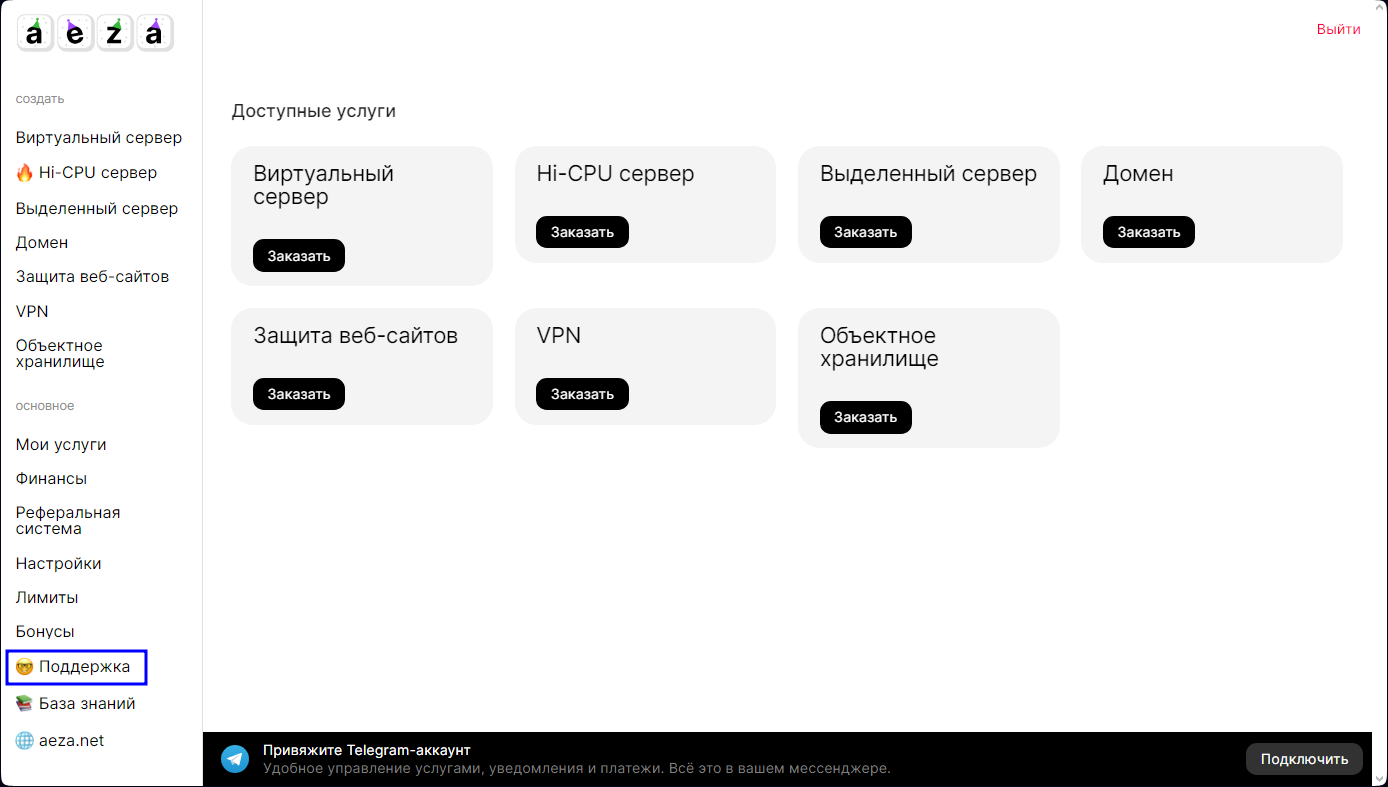
Let's create a new ticket (appeal) to technical support:

In the subject line "Purchase IPv4 for dedicated server". In the request it is desirable to specify number of additional IP addresses and the link or name of the dedicated server for which new IP addresses are required. Create a new ticket.
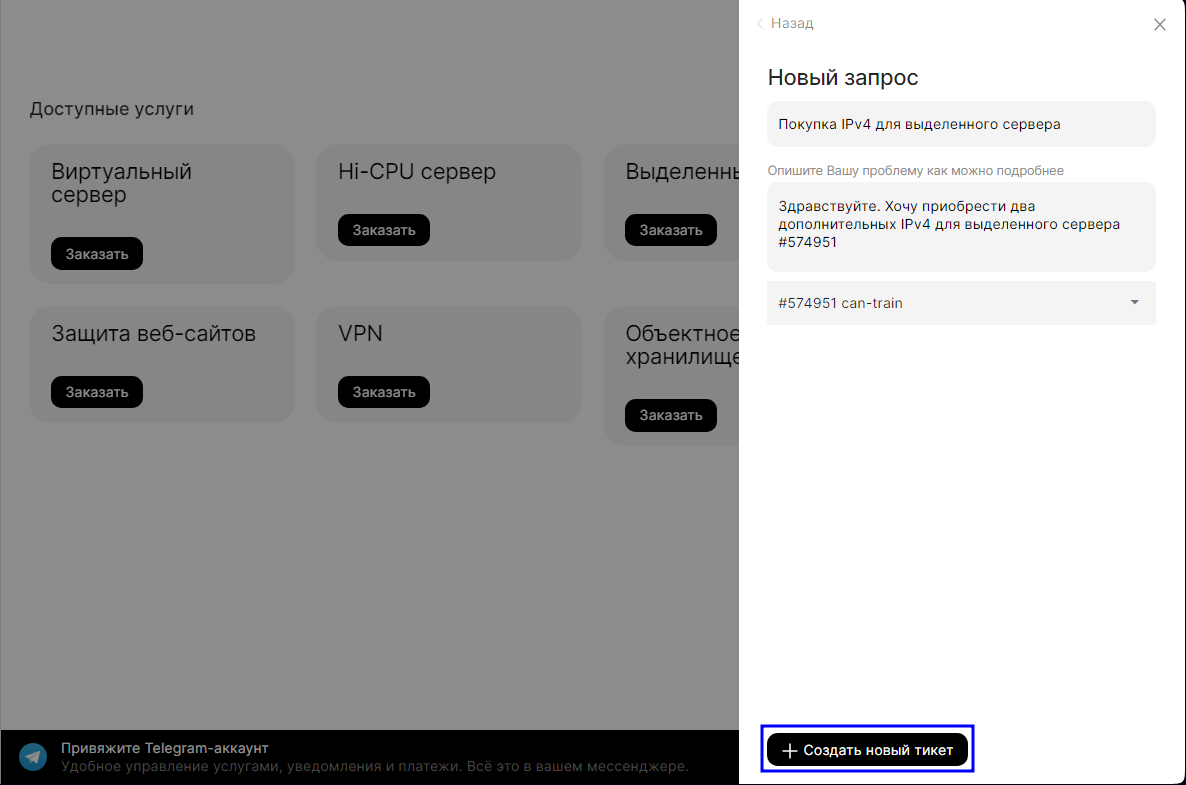
In the next few minutes, a technical support agent will contact you to agree on the cost of the IP addresses and activate them as soon as possible. Then they will become available in your dedicated server service's customer area.
Warning
Congratulations, your server now has multiple IP addresses, allowing you to make inbound or outbound connections and browse websites.