Windows
Information
For the installation example, Windows Server 2012 will be used
Go to any browser on the server and follow the link: speedtest.net
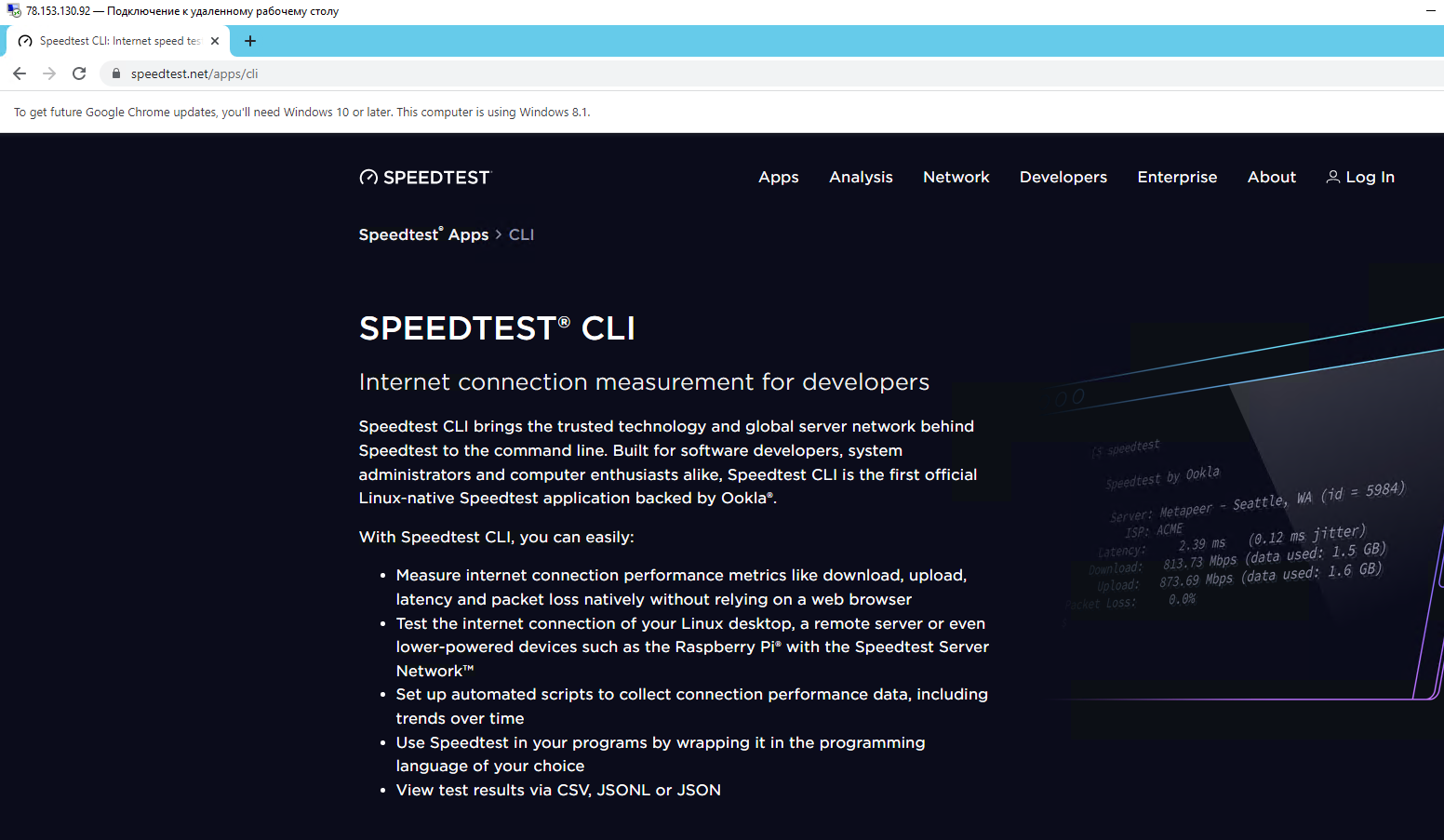
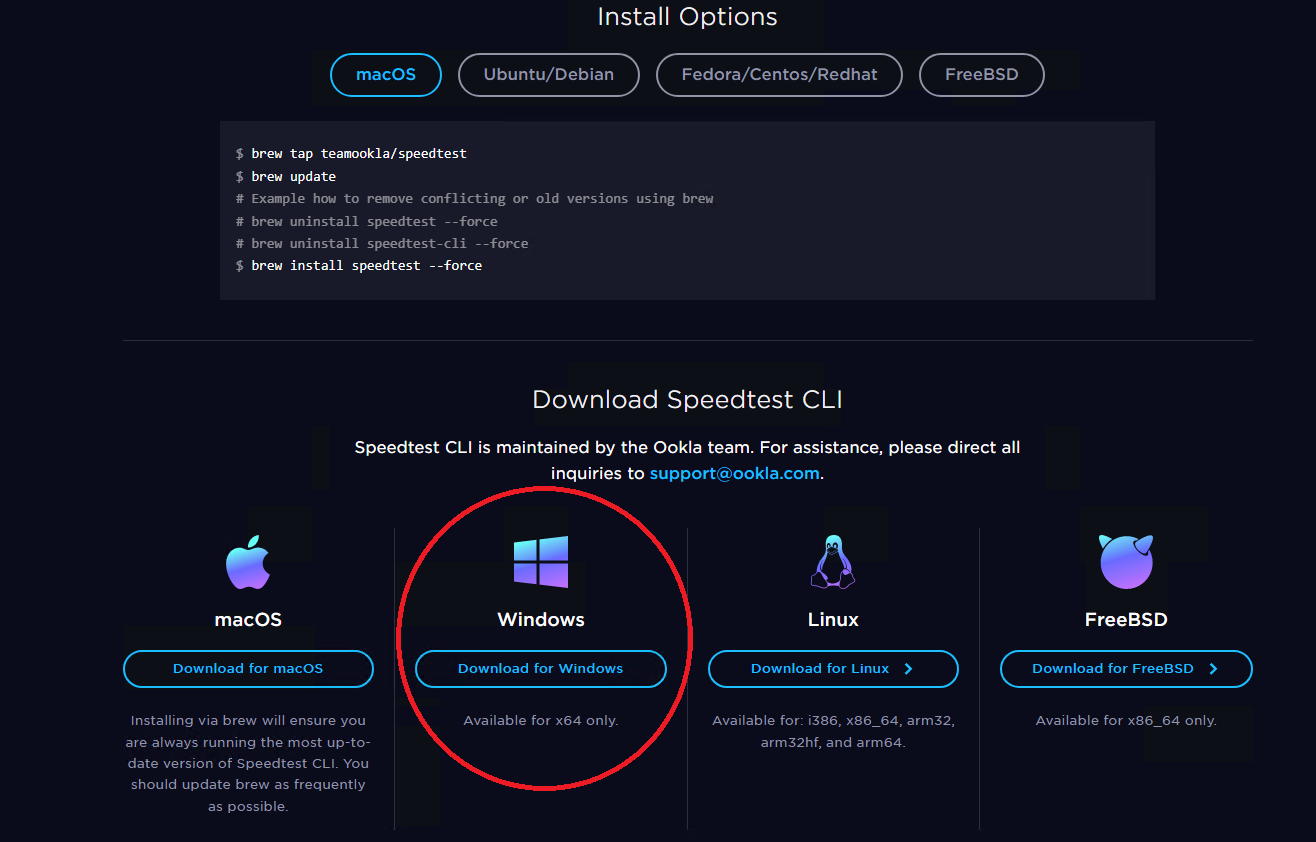
Scroll down the page below and follow the link to download the Windows distribution:
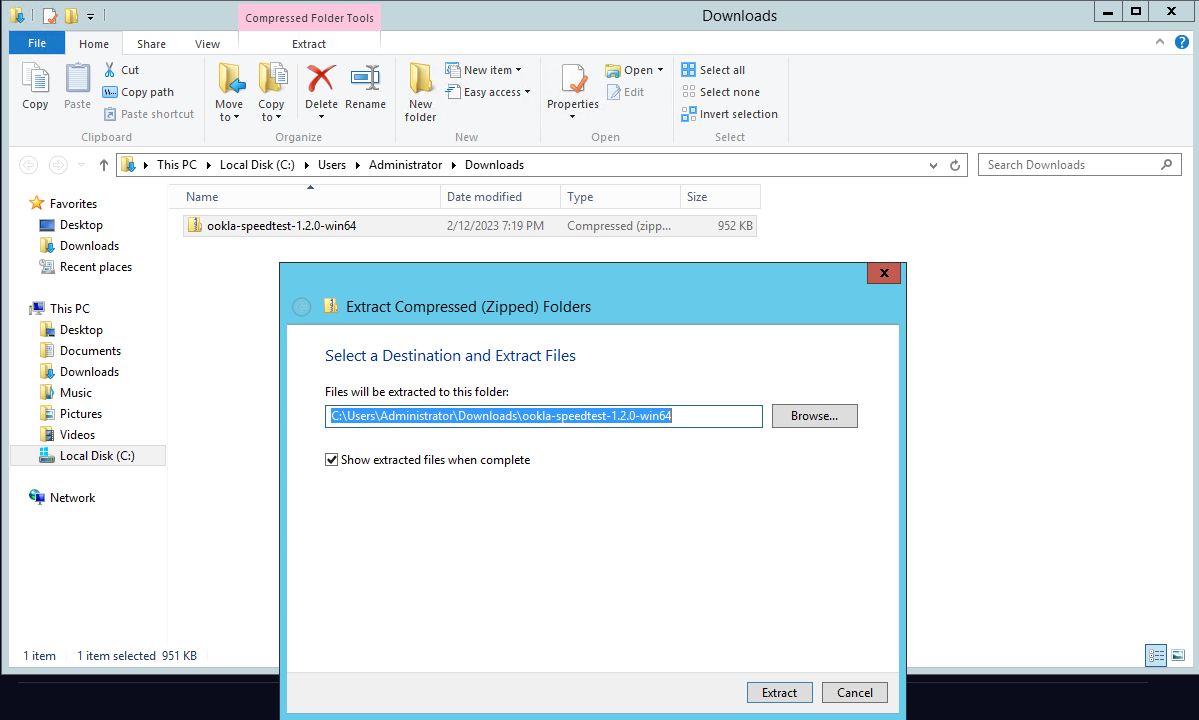
Wait until the download is complete and unzip the installation file to a convenient location
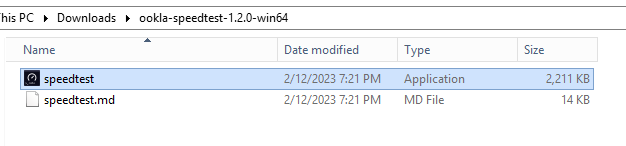
Run the speedtest file
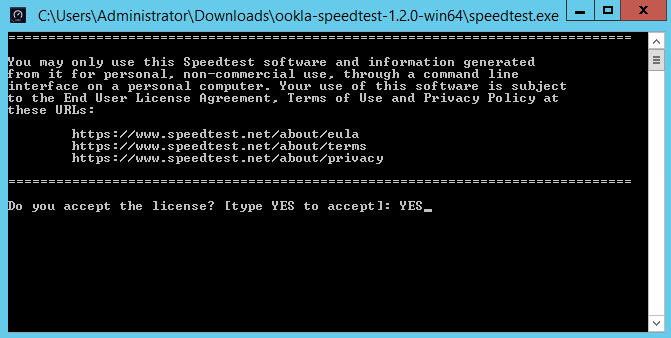
When launching the program you need to agree twice with the license agreement of the program by writing YES and press Enter:
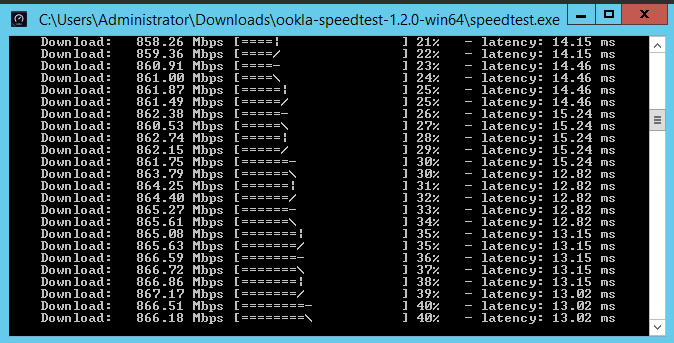
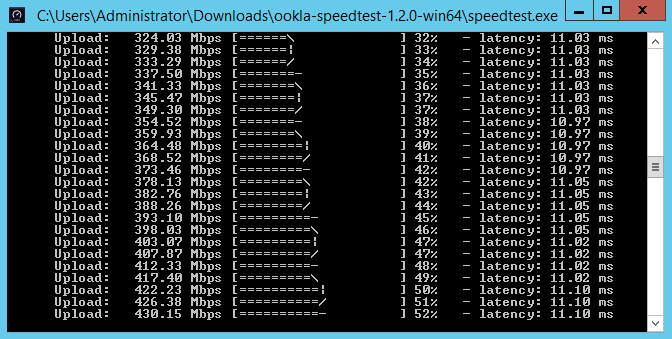
Then the download and upload speeds will be measured: