OS reinstallation
After activation of the service, a letter of this kind with all data from the server is sent to Email:
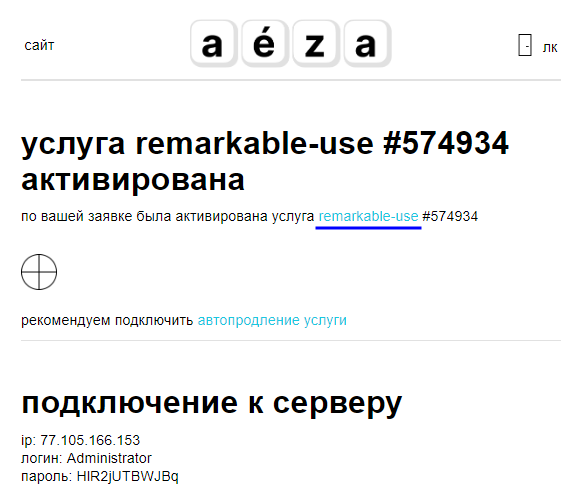
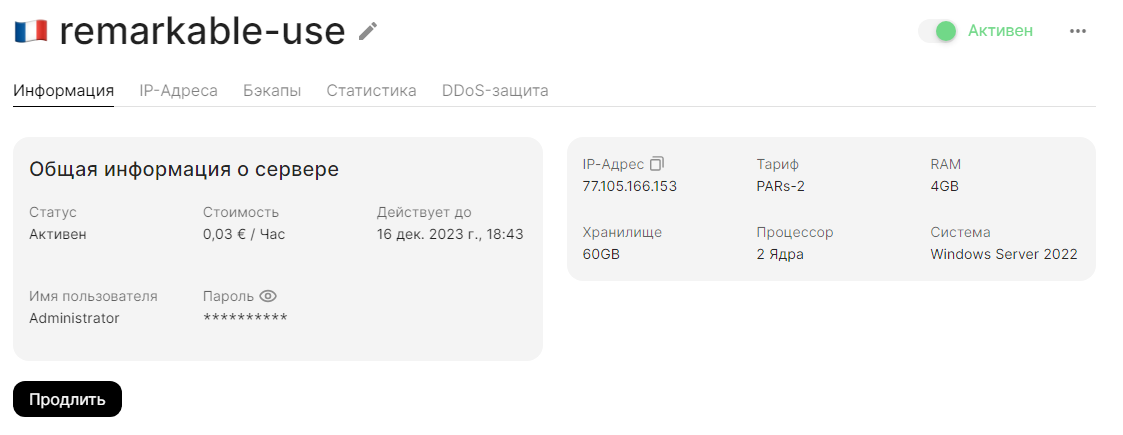
Go to the page of the service at the link:
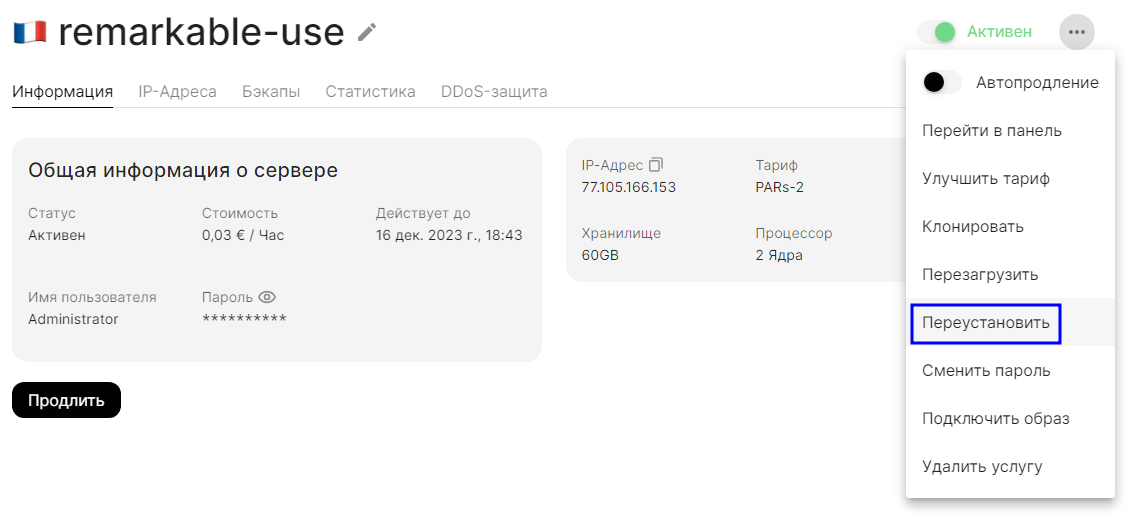
Click on the three dots in the upper right corner and select Reinstall:
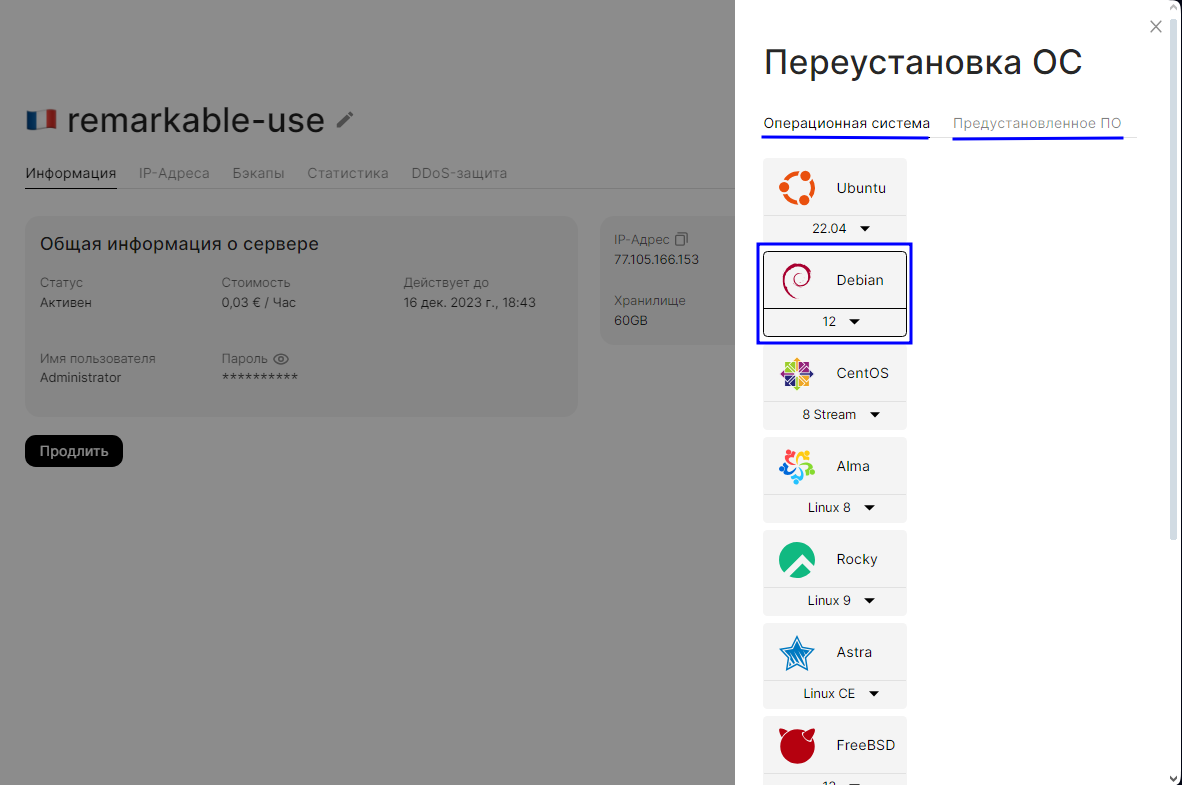
Next we need to select the appropriate system (or pre-installed script), for example let's take Debian 12.
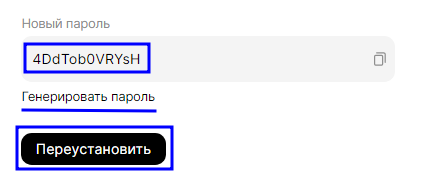
Then enter a new password or use the generated one. Click Reinstall.
The process of reinstalling the operating system has begun.
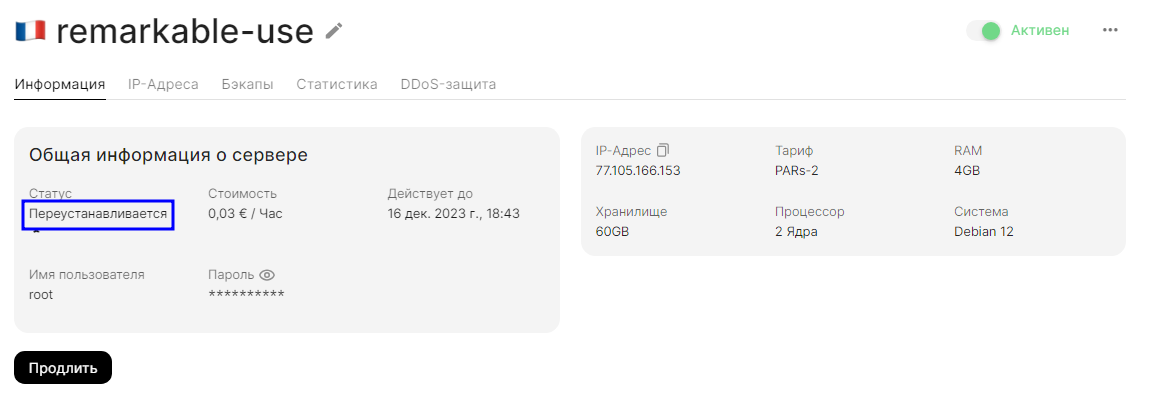
You will be additionally notified by email when the reinstallation is complete.
Let's try to connect to a virtual server on Debian via SSH:
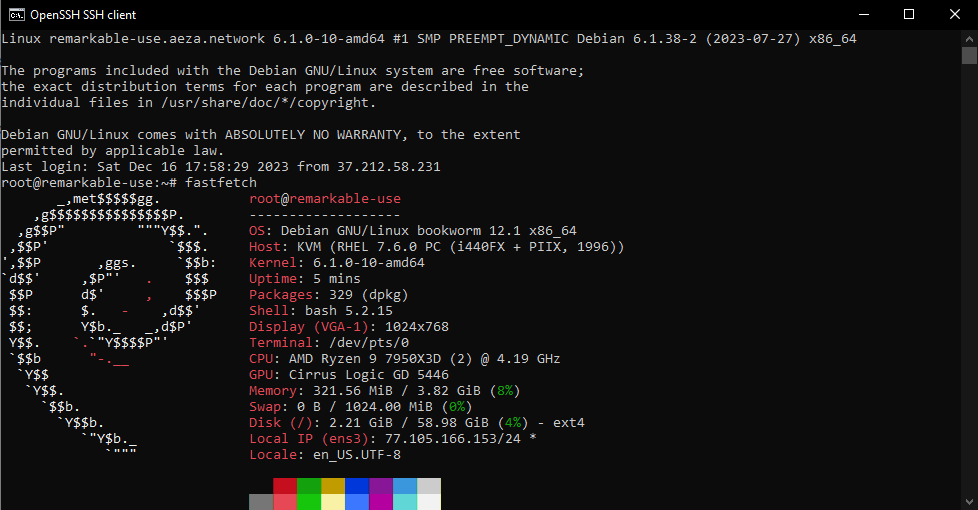
Done! The operating system has been successfully reinstalled.